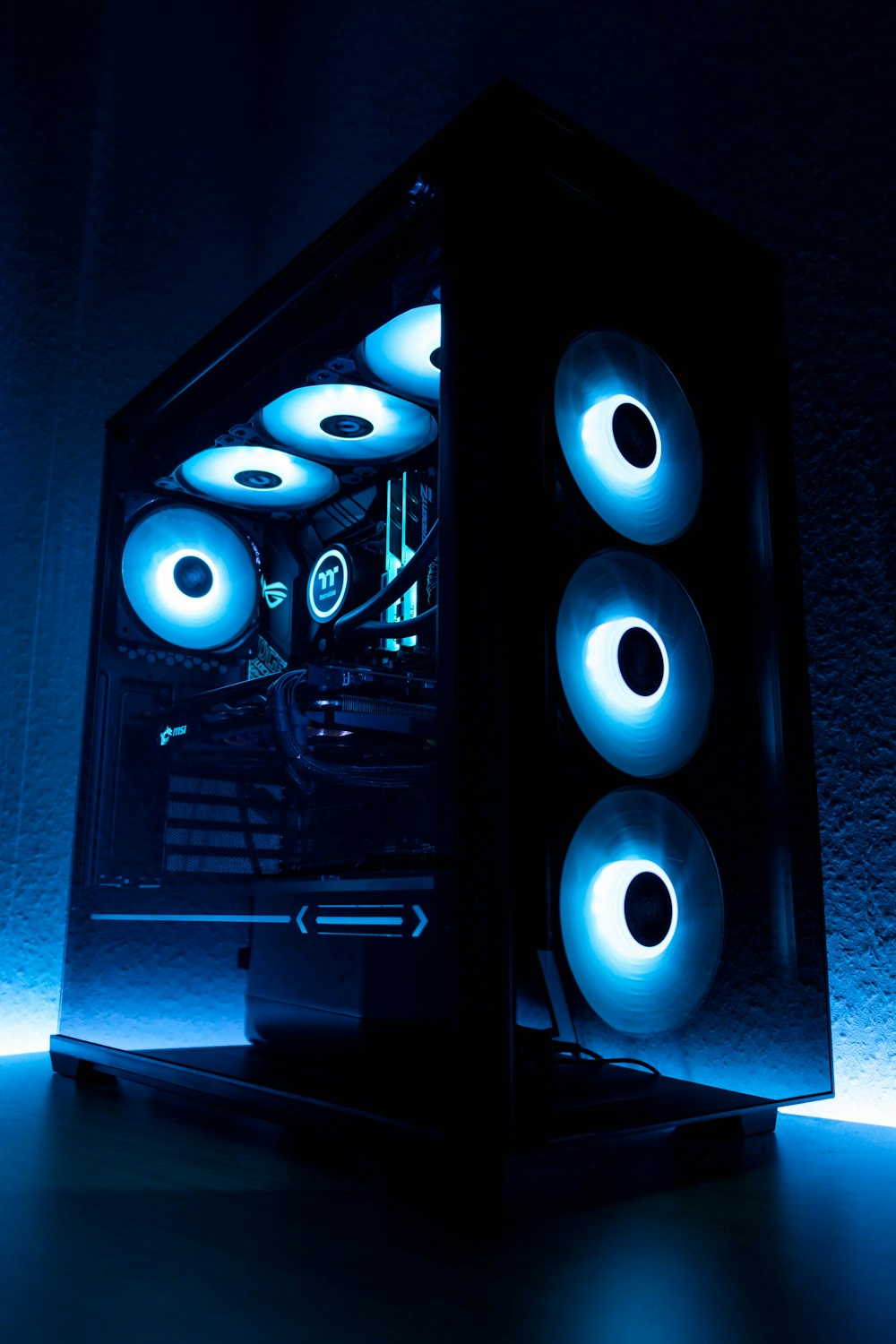
Stop Buying Marketing — Start Buying Performance
In 2026, buying a gaming PC is more confusing than ever.
Prebuilt systems look powerful on paper:
- “RTX Graphics”
- “Next-Gen CPU”
- “Ultra Gaming Ready”
But most buyers overpay for branding instead of real performance.
Two PCs can cost the same.
One delivers smooth, stable 120 FPS. The other bottlenecks, overheats, and struggles in modern titles.
Before you spend your money, you need to understand what actually matters.
The Biggest Mistake: GPU Imbalance
Most people overspend on the GPU and ignore everything else.
Yes — the graphics card is critical.
But pairing a high-end GPU with:
- 8GB RAM
- A weak CPU
- A slow SATA SSD
- Cheap power supply
…creates instability, stuttering, and upgrade limitations.
The 2026 Rule
Your system must be balanced.
If your GPU costs more than 50% of your total budget, you’re likely sacrificing long-term stability.
Smart builds prioritize:
- Strong mid/high-tier CPU
- 16–32GB RAM minimum
- NVMe Gen4 SSD
- Reliable 80+ Gold PSU
Performance is a system equation — not a single component flex.
8GB RAM Is Officially Dead
Modern games in 2026 easily use:
- 12–16GB system memory
- Additional VRAM for AI textures
- Background AI processes
Running 8GB RAM forces:
- Constant disk swapping
- Frame-time spikes
- Texture loading delays
Minimum recommendation:
✔ 16GB for budget builds
✔ 32GB for long-term stability
RAM is no longer a luxury upgrade.
It is baseline infrastructure.
Storage: NVMe or Regret It Later
If your PC still uses a SATA SSD or HDD for gaming, you are creating artificial bottlenecks.
Modern engines rely on:
- Direct asset streaming
- Real-time texture decompression
- Fast world loading
Without NVMe speeds, you’ll experience:
- Pop-in textures
- Micro stutters
- Long load screens
A fast NVMe drive improves not just load times — but frame consistency.
Cooling Is Performance
Thermals directly impact FPS.
When temperatures rise:
- Boost clocks drop
- Voltage efficiency decreases
- Frame pacing becomes inconsistent
Prebuilt systems often use minimal cooling to cut costs.
Before buying, check:
- Case airflow design
- Number of intake/exhaust fans
- CPU cooler quality
Stable thermals = stable performance.
The Hidden PSU Problem
Cheap power supplies are the most ignored risk.
Modern GPUs have transient power spikes that can:
- Trigger shutdowns
- Cause instability
- Reduce hardware lifespan
Never cut budget on PSU.
Minimum recommendation:
- 80+ Gold rating
- Reputable brand
- Proper wattage headroom (30% above peak draw)
Your PSU protects your entire investment.
Budget Allocation Formula (2026 Edition)
Here’s a balanced approach:
- 35–45% GPU
- 20–25% CPU
- 10% RAM
- 10% Storage
- 10% PSU + Case + Cooling
This structure prevents bottlenecks and ensures upgrade flexibility.
Final Rule: Build for Stability, Not Hype
A stable 90 FPS with consistent frame-time will always feel better than a fluctuating 144 FPS.
Don’t buy a gaming PC based on:
- RGB
- Branding
- “Ultra Ready” labels
Buy based on:
- Balance
- Thermal design
- Upgrade path
- Long-term stability
In 2026, smart buyers win.
Impulse buyers overpay.
Choose performance over marketing.