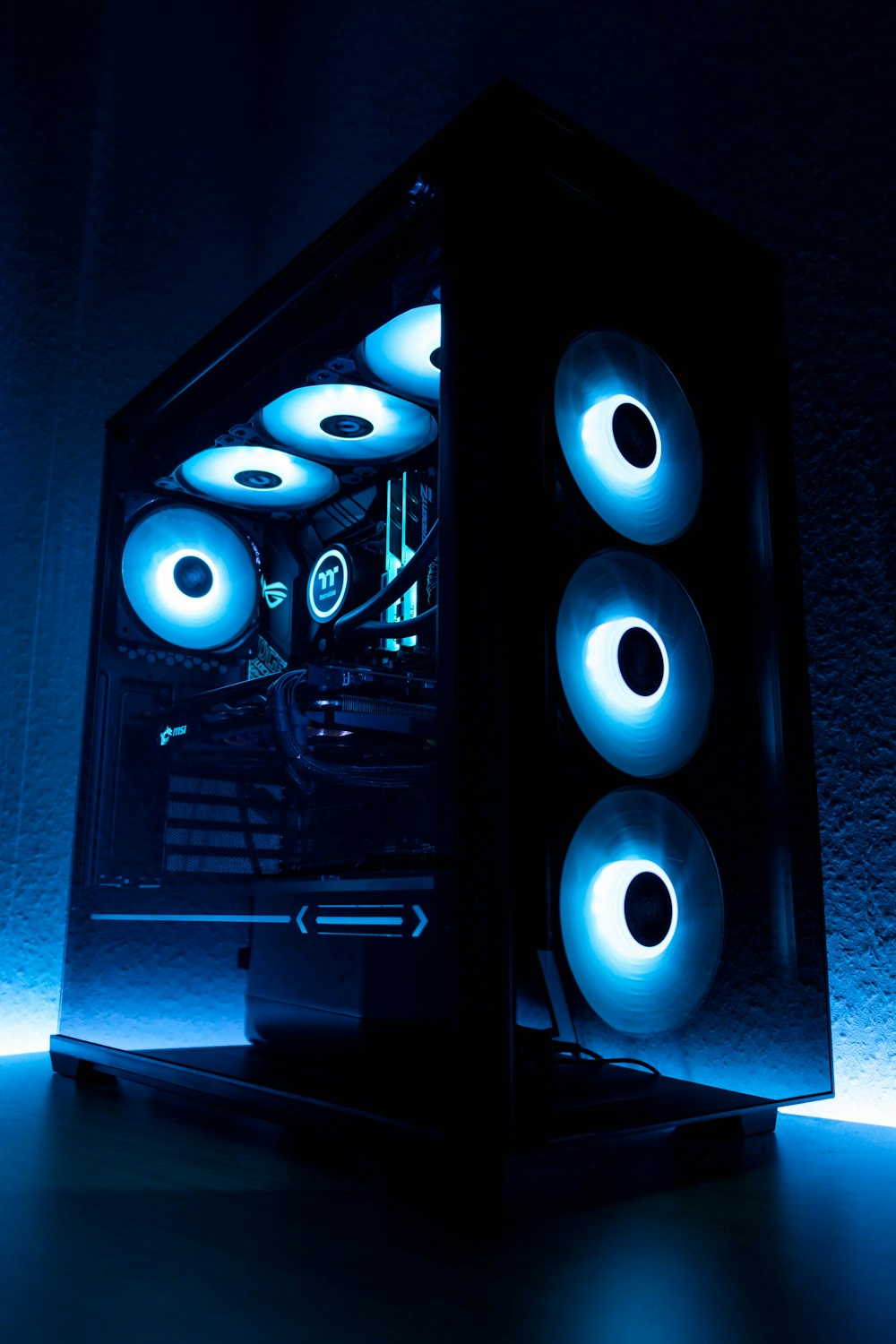
Best Budget Gaming PC 2026 – Real Performance Without Overspending
In 2026, building a budget gaming PC isn’t about chasing the highest FPS number anymore.
It’s about balance.
Modern game engines rely heavily on multi-threaded CPUs, background asset streaming, shader compilation, and increased VRAM allocation. If one component lags behind, your entire experience suffers — even if your GPU looks powerful on paper.
This guide will show you how to build a balanced budget gaming PC in 2026 that delivers smooth 1080p and solid 1440p performance without wasting money.
What “Budget” Really Means in 2026
Let’s define realistic expectations.
A true budget gaming PC in 2026 should:
- Deliver 90–144 FPS in esports titles
- Handle AAA games at 60+ FPS on High settings
- Include at least 16GB RAM
- Use NVMe storage
- Offer an upgrade path for 3–4 years
The sweet spot budget range: $750–$950.
Anything significantly below that usually sacrifices stability or upgrade flexibility.
Core Philosophy: Balanced > Maximum GPU
The biggest mistake gamers still make:
Spending 60% of their budget on the GPU and cheaping out on everything else.
That leads to:
- CPU bottlenecks
- Frame-time spikes
- Stutter during streaming-heavy scenes
- PSU instability
Instead, here’s the balanced 2026 approach.
Recommended Budget Components (2026)
Below are proven, performance-efficient parts that pair well together.
🎮 GPU – NVIDIA RTX 4060 8GB
One of the best value GPUs in 2026 for 1080p gaming.
Why it works:
- Excellent power efficiency
- DLSS 3 support
- Strong esports performance
- Stable thermals
Recommended model:
MSI GeForce RTX 4060 Ventus 2X 8G OC
Buy on Amazon
This card comfortably delivers:
- 140+ FPS in competitive shooters
- 60–100 FPS in most AAA titles
- Stable frame-times when paired correctly
If you want better ray tracing, RTX 4060 remains the safest budget NVIDIA option.
🧠 CPU – AMD Ryzen 5 7600
Modern games are CPU-heavy in 2026.
Ryzen 5 7600 offers:
- 6 cores / 12 threads
- Strong single-core performance
- Excellent gaming efficiency
- Long AM5 platform support
Recommended:
AMD Ryzen 5 7600 6-Core Processor
Buy on Amazon
This CPU prevents bottlenecks in 1080p gaming and keeps GPU usage high and stable.
💾 RAM – 16GB DDR5 (Minimum)
In 2026, 16GB is the true minimum.
32GB is ideal for heavy multitasking, but 16GB works for pure gaming.
Recommended:
Corsair Vengeance 16GB (2x8GB) DDR5 5600MHz
Buy on Amazon
Dual-channel RAM improves frame consistency significantly compared to single-stick setups.
🚀 Storage – 1TB NVMe SSD
Modern games stream textures constantly.
A slow drive causes:
- Micro-stutters
- Delayed asset loading
- Frame-time spikes
Recommended:
Samsung 980 1TB NVMe SSD
Buy on Amazon
Reliable speeds and long-term durability.
⚡ PSU – 650W 80+ Gold
Cheap PSUs are a hidden problem.
Voltage instability can cause:
- Frame spikes
- Random shutdowns
- Reduced GPU boost stability
Recommended:
Corsair RM650x 80+ Gold Fully Modular
Buy on Amazon
Stable power delivery protects your system and ensures smooth GPU boosting.
What Performance Can You Expect?
With this configuration:
- Valorant / CS2 → 200+ FPS
- Warzone 2 → 100–140 FPS
- Cyberpunk 2077 → 70–90 FPS (DLSS enabled)
- GTA VI (estimated medium/high) → 60–90 FPS
But more importantly:
Frame-times remain consistent.
And consistency is what actually feels smooth.
Why This Build Will Age Well
This setup works long-term because:
- AM5 platform supports future CPU upgrades
- 650W PSU allows GPU upgrades
- DDR5 is current-gen standard
- NVMe storage handles future game sizes
Instead of replacing everything in 2 years, you can just upgrade GPU later.
Who Should Build This?
This budget gaming PC is ideal for:
- Competitive gamers
- Streamers on a budget
- Students
- First-time builders
- Anyone upgrading from GTX 1060 / RX 580 era
Final Verdict – Best Budget Gaming PC 2026
You don’t need a $2000 rig to enjoy modern games.
You need:
- Balanced components
- Stable power delivery
- Enough memory
- Fast storage
If you build smart, this setup will easily carry you through 2026–2028.
Continue Reading
If you want to understand why high FPS doesn’t always mean smooth gameplay:
If you’re unsure whether your PC really needs replacing: